About a year ago, I gave a sharing session at my workplace. We were free to present any topic we were interested in, so I chose something I'd been following for a while: VTubers.
If you're not familiar with them, VTubers (Virtual YouTubers) are content creators who use animated virtual avatars instead of appearing on camera. These avatars are usually controlled in real time through face tracking, expression tracking, and lip-sync, making them feel like they're speaking naturally to the audience.
Since the session itself was about VTubers, I thought it would be fun to present it with a virtual avatar instead of standing in front of the slides myself.
Rather than using dedicated VTubing software such as Live2D or VTube Studio, I made a simple version using HTML, CSS, and JavaScript.
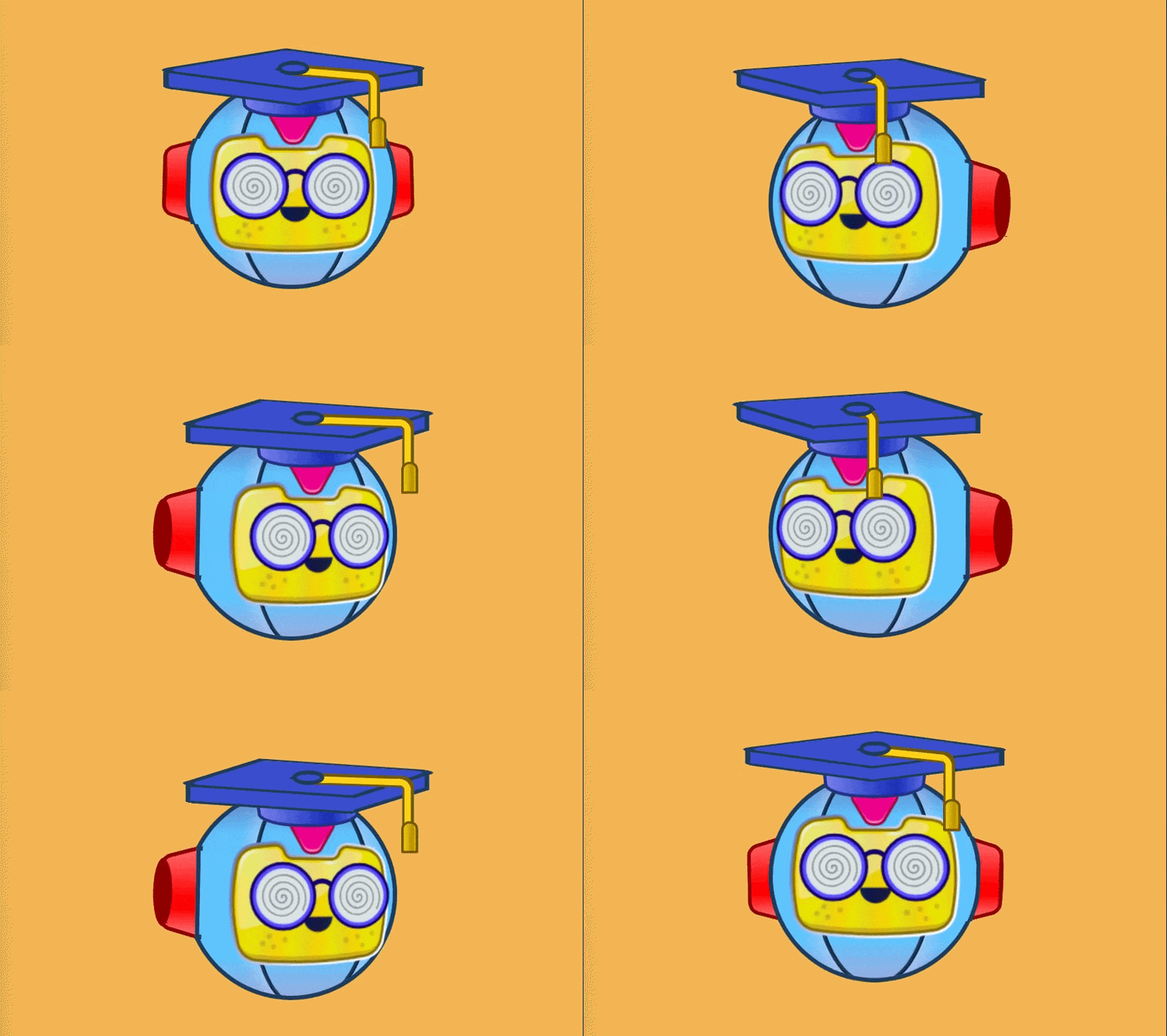
The avatar wasn't particularly sophisticated. To make it appear as if it was looking in different directions, I prepared several face angles and switched between them using CSS transforms.
Instead of face tracking, I used the mouse position as the input. As I moved the cursor around the browser window, the avatar would turn its head to follow it. Since the tracking only depended on the mouse position inside the browser tab, it naturally stopped updating whenever the cursor left the page. For a presentation, that limitation wasn't much of a problem.
For the mouth animation, I took an equally simple approach. The browser listened for microphone input through the MediaDevices API and only detected whether there was sound. Whenever I spoke, the avatar randomly alternated between a few mouth shapes. It wasn't trying to match syllables or pronunciation, it was just enough movement to make the avatar look like it was talking.
The presentation itself also used an unusual setup.
I opened two browser tabs.
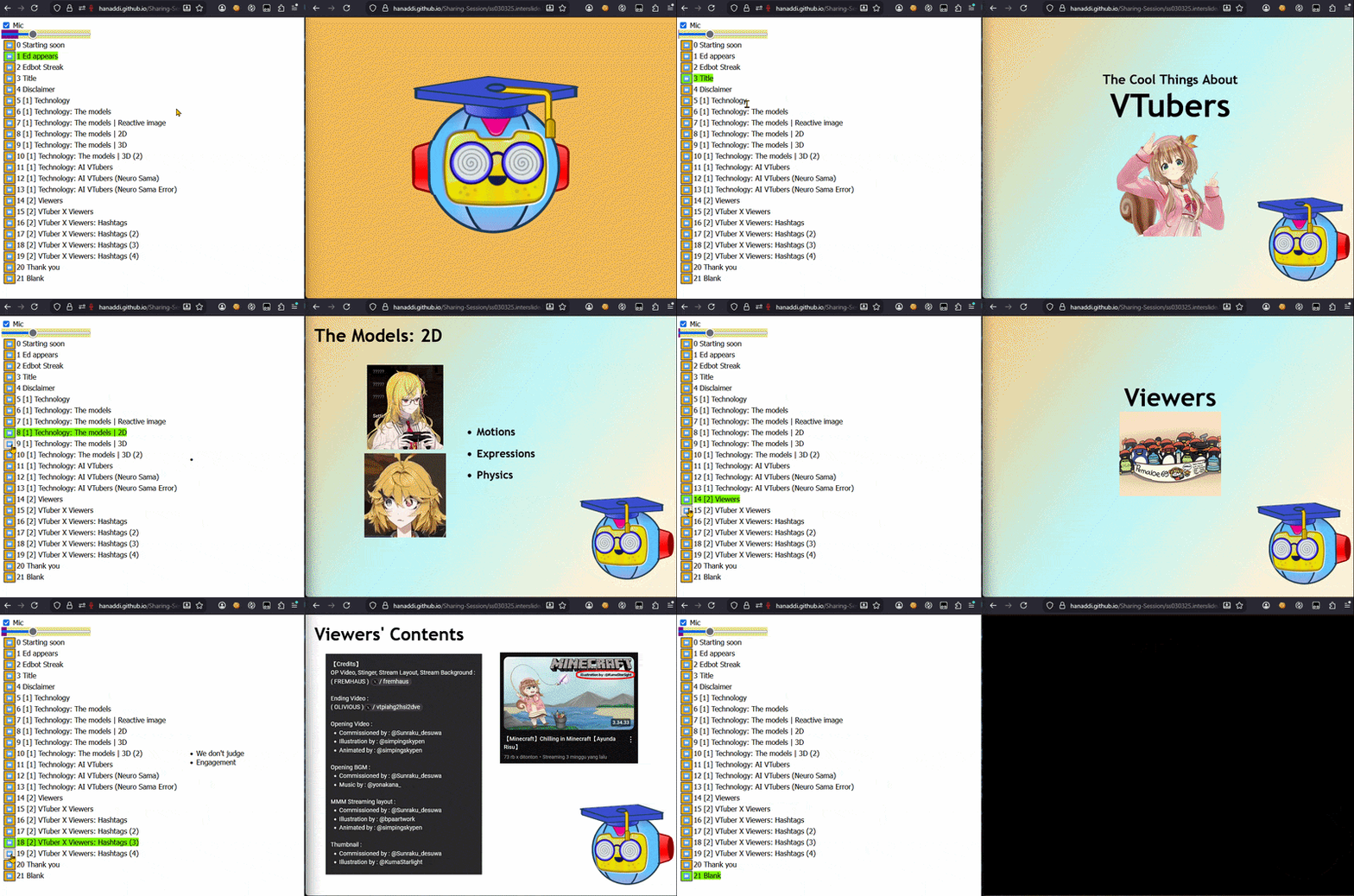
One tab acted as the control panel, while the other served as the presentation view projected onto the screen. The presentation view displayed the slides together with the avatar, while the control panel handled everything behind the scenes.
Whenever I wanted to change something \(advance a slide, update an element, or trigger an animation\) the control panel wrote a value into localStorage. The presentation view listened for storage events and updated itself whenever those values changed.
](https://mermaid.ai/live/edit#pako:eNp1UktvozAQ_ivWnFIpiWIIIeHQw3ZzSytUVlup9R4MTIIlsCNjNtul_PcdHn1spfpie-Z7-dFCZnKECIQ-luaSFdI6drgXmtGom_Rk5blgP2TKnwTQxLiAX2O3HzFVb4x21pQslhpLNoubtFR1gfbqDYk6F_qT5DdrLjXad6lD8jQrTSbLxBkrT3j1wWbftvVYZfgbteu6r4UppDdl9f7LmlA1tlgTXzplNPup8MJmSZPWmVXpF4Fjtlhcvwh4sMohq4mKAl4o7dg-JFN_OjbTxqmjygaHHrgfcXu2WA64u77_3MedXHvQJPaqdY8y_2gFczhZlUPkbINzqNBWst9C2_MEuAIrgka01Ng4K0tB79kR7Sz1ozHVK9Oa5lRAdJRlTbvmnJPFdyXp4qq3qqXDo70xjXYQrTkfRCBq4Q9EnK-W25Xne56_DTe7wKfuM0Te2luGPNjstrTi2zDo5vB3sF0tNzs_XPmhF_hesN7wYA6YK3rL2_HbDb-v-wd6CMdM)
It turned out to be a convenient way to separate the presenter controls from what the audience actually saw, without needing a backend or any real-time communication service.
If you'd like to play around with the setup yourself, I've put together a small demo. Open these links in two separate tabs:
- Control Panel: https://hanaddi.github.io/Sharing-Session/control-panel.html
- Presentation View: https://hanaddi.github.io/Sharing-Session/ss030325.interslide.html
Once both tabs are open, try changing something in the control panel and watch the presentation view update automatically.
Looking back, the project was more of a small experiment than a VTubing application. The goal wasn't to recreate existing tools, but simply to make the sharing session a little more engaging while exploring what could be done with technologies already built into the browser.
It was a fun project, and one that I still look back on fondly.